Decodability differs from other ISO 15416 parameters for linear barcode quality. Decodability resembles the other ISO parameters in that if it fails, the barcode may not scan. However, it is different because it is based on measuring the physical width of bars and spaces, while all the other ISO parameters are based on reflectivity.
Accuracy is Important

It is easy to understand why bars and spaces need to be accurate. Less obvious is how they go wrong. You buy a reputable barcode design software, install it on a capable computer, and print the design on a reputable label printer. But the barcode fails. Why? That is the focus of this article.
 Important Limitations
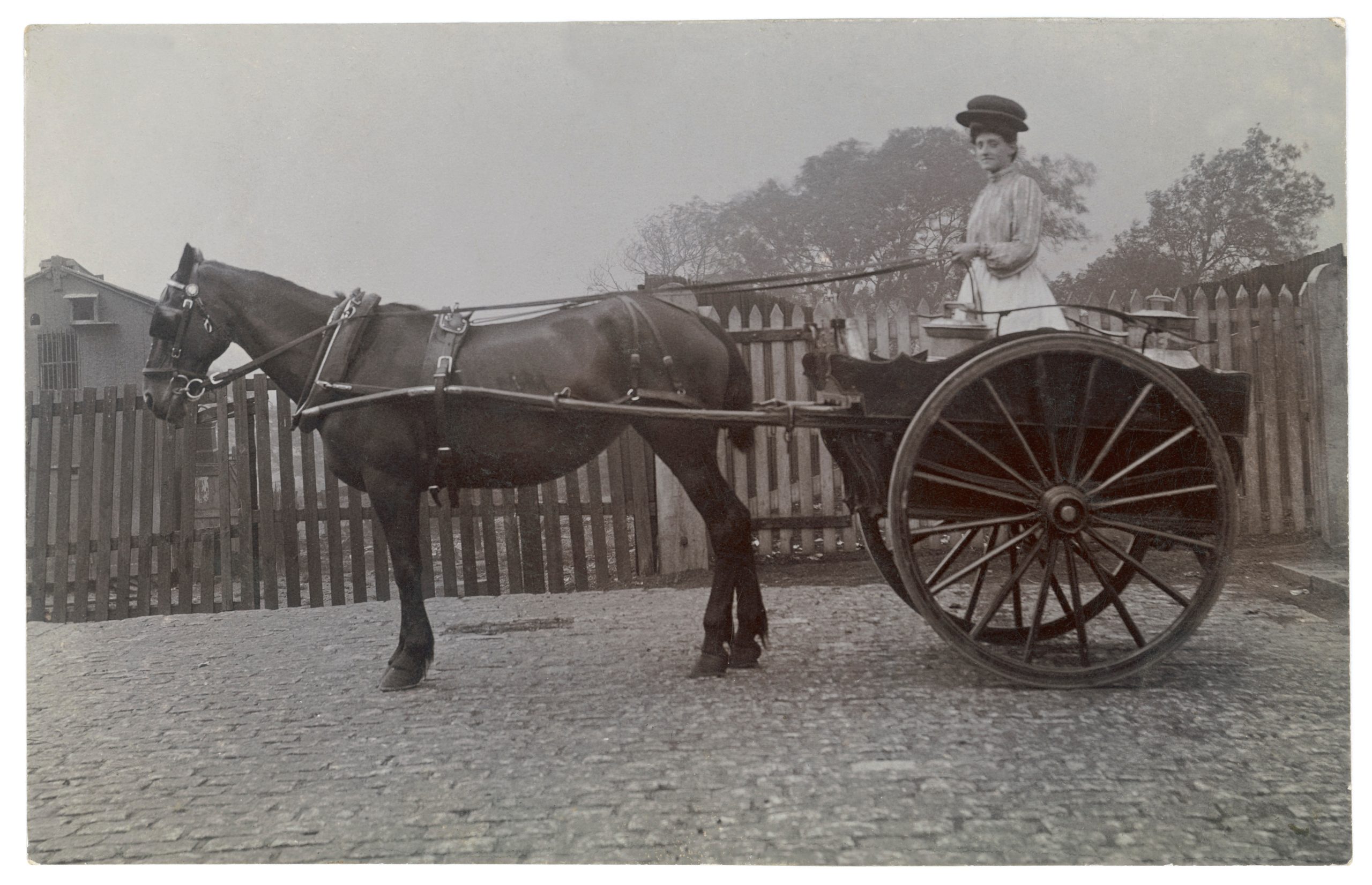
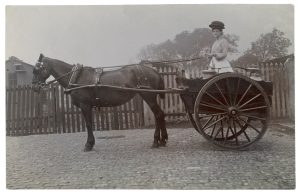
The basis of decodability is resolution. Think of the label design and printing process as a horse-driven cart. The label design horse drives the printer cart. The printer can only do what it is told to do—but there are limitations. An obvious limitation is the width of the label. Most label printers accommodate a 4” wide label. An obvious challenge is fitting a large barcode, such as an SSCC-18 within the 4” label. Don’t forget the quiet zones! Another limitation is the elements or pixels in the print head. Most 4” label printers have a 203 dots-per-inch resolution.* Label printers image a barcode by selectively activating pixels to create bars and spaces of various widths. Each bar or space must be a multiple of the pixels in the printhead. No such thing as half a pixel! Back to the horse and cart analogy—the printer is the cart.

Compatibility is Key
What about the horse–the label design file that drives the printer? Since it will ultimately send instructions to the printer, the data must also be compatible with the printer resolution—203DPI. If the label design is created at some other resolution, the printer will be unable to execute it. But rather than just refusing to print, it will do its best, changing bar and space widths and placements to whole pixel locations. This doesn’t happen proportionately. Narrower bars and spaces may be disproportionately affected, changed and relocated beyond tolerances. The end result still looks like a barcode but behaves like a liability. A very expensive liability.
So is Communication

Software-to-printer mismatch often happens when someone other than the printer, such as the brand owner, creates the design file. In some cases, a third party is hired to create eth barcode design file, adding yet another connection (or disconnection) to the process. The irony is, this is done because it seems more secure than doing it inhouse, or farming out the entire operation. The design file arrives as an email attachment—so far so good. But the barcode is too large for the label so the printer scales it down to size. If it’s a vector file, no problem. But if it’s a font file, all manner of havoc results and the barcode is basically destroyed.
These are procedural things to look for when Decodability is downgraded. The scenarios described above come directly from our experience but this is not to say that they are bad practices. Logically a label designer and a label printer are closely aligned, but the silo effect may prevent important communication.
The mistakes we have witnessed are the result of poor communication between the vendors and the customer.
A final word about 203 DPI
*Why 203 DPI and not 200 or 250 or some other round number? Practicality is the reason. After an intensive study, the printer manufacturing industry settled on 203 DPI because it converts nicely to metric measurements, and printer manufacturers want to sell their products globally.
 Got a barcode quality question or problem? We can help. Schedule a free 30 minute meeting here.