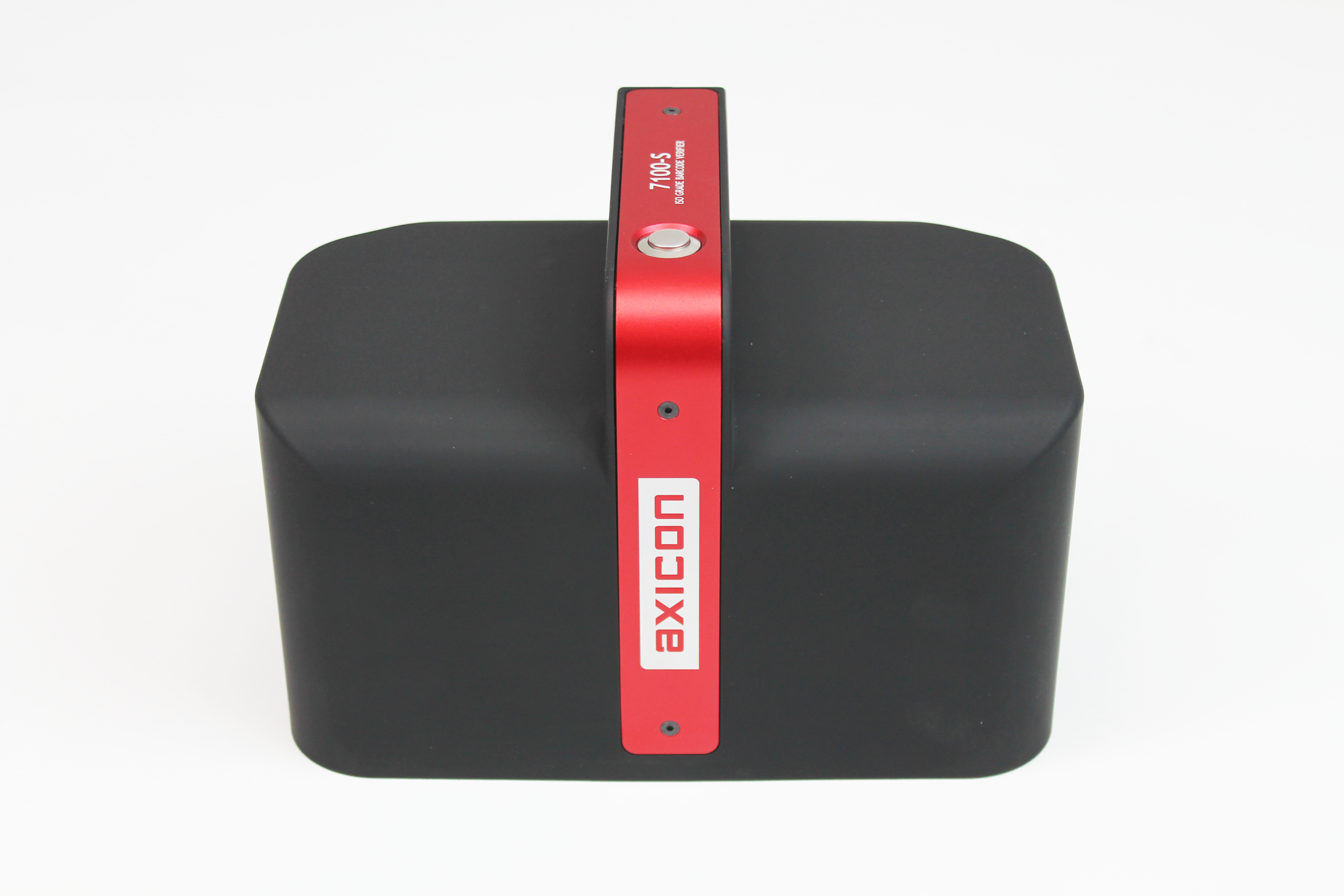
Uh oh—your barcode doesn’t scan—at all. Now what do you do?
What to DO
Here is what you don’t do—reach for your smartphone. If your smartphone also doesn’t scan your barcode you have learned nothing. And if your smartphone does scan it, you have also learned nothing. Unless your customers are also going to scan it with their smartphones. Probably not. A smartphone uses a non-compliant light source, a variable angle and distance from the barcode, and an unknown decode algorithm. And it probably does not check for industry application factors such as data fields and prefixes. What then would a smartphone accomplish? It would only further confuse you because whatever it tells you, good or bad, is meaningless.
So there you are, staring at a barcode that doesn’t work. Now what? Turn your staring into something productive. Here’s how:
Quiet Zones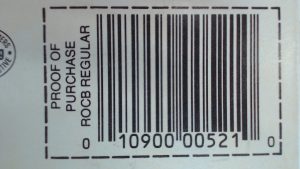

Assess the quiet zones. With few exceptions, every barcode must have a blank space where the scanner can calibrate itself and find the barcode.
Linear barcodes (parallel lines and spaces) must have quiet zones preceding and following the bar pattern. There does not need to be any open space above and below the barcode. Speaking very generally, each quiet zone is approximately ¼” in small barcodes such as UPC. Larger barcodes such as those on corrugated outer cartons have much larger quiet zones—more like 1”. We are engaging in generalities but since your only way to test a non-working barcode is visually, you get the idea. If you see something like this, there’s a problem.
2D barcodes like QR Code have quiet zones on all four sides, so if something intrudes too close to the barcode, it can cause it to fail.
Print Gain

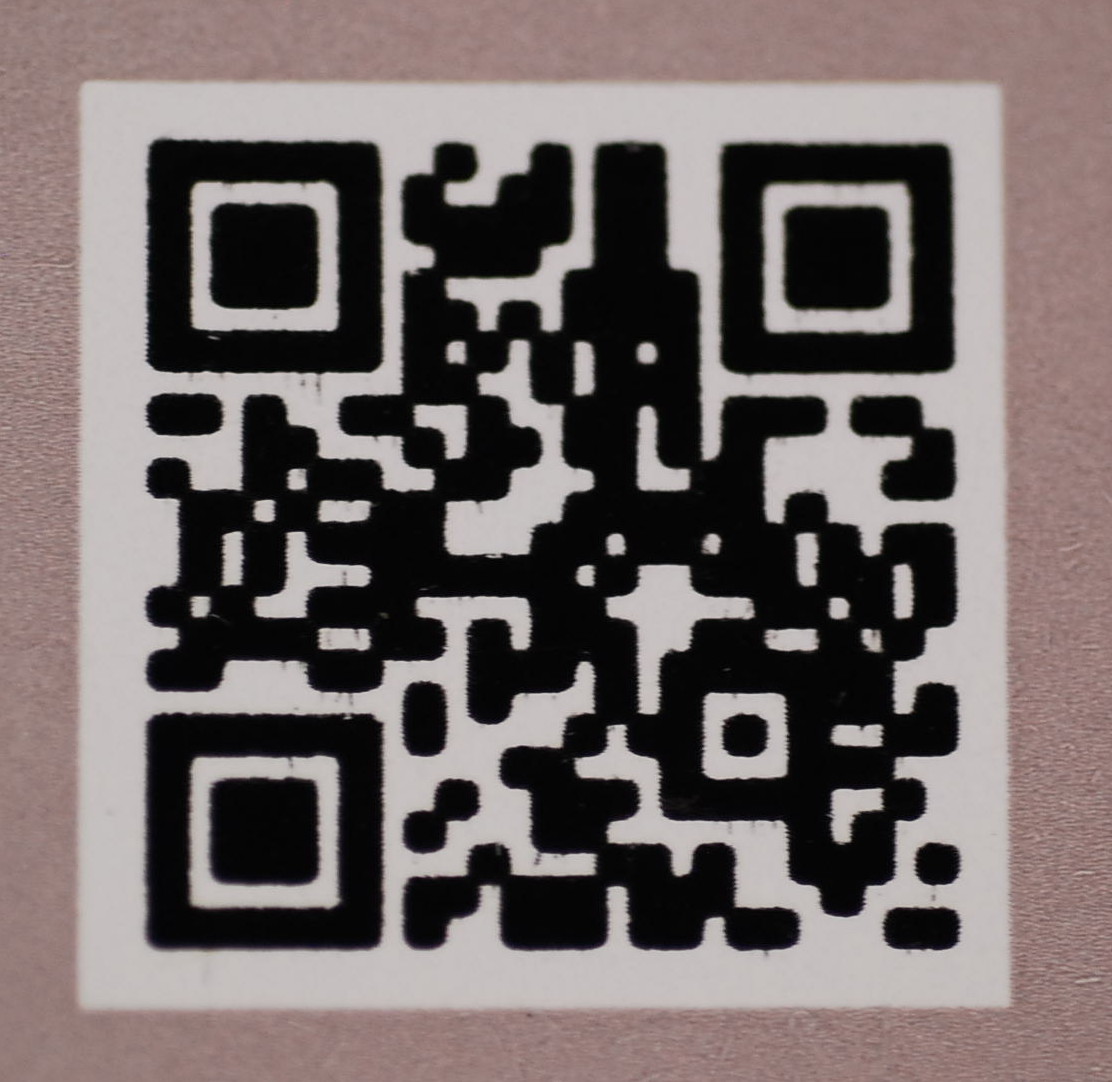 Look for gain. Gain is when the bars spread into the spaces and pinch them down to tiny slits. Gain a natural resultof the printing process, and careful preparation can minimize and control gain. But when it gets out of control, the scanner can no longer detect the transitions from light to dark and scanning fails. QR Code is also sensitive to gain.

Color
Is the barcode printed in a color other than black, or on a background other than white? Sometimes that’s OK but some colors are problematic. Scanners are required to use a red light 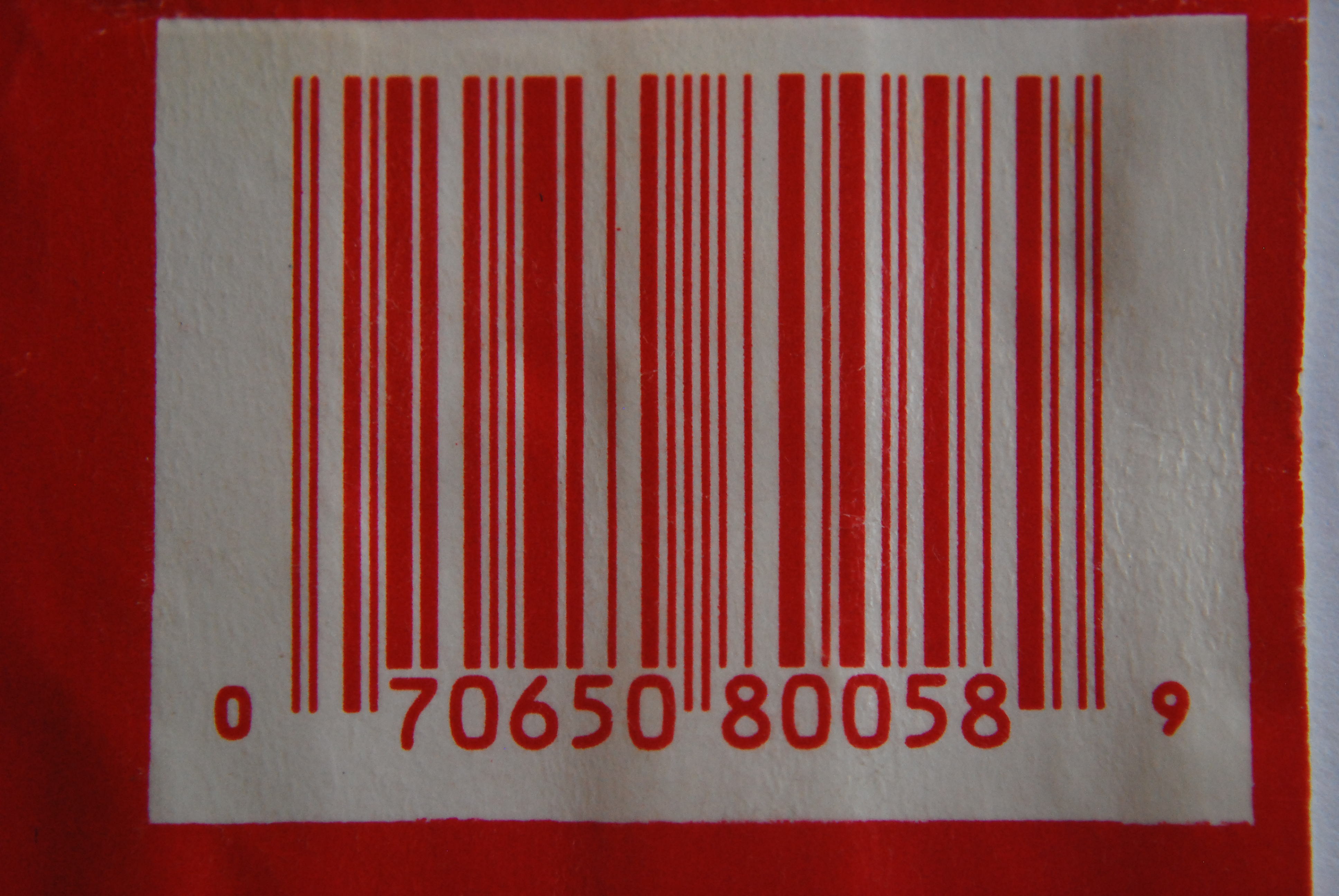 source. If the barcode is printed in a red or reddish color, the barcode like white to the scanner. To a scanner, a red barcode on a white background looks like an all-white space. If the barcode is printed on a green background, the background looks black to the scanner. To a scanner, a black barcode on a green background looks like a black space. Here is one area where your smartphone lies to you, because a smartphone uses ambient or white light rather than red light.
These are the big three most likely causes of barcode failure.
If you don’t have a verifier, you can often figure out why a barcode is not scanning just by looking at it.
What to Do NOW
A barcode testing service such as Barcode Test LLC can help. We can usually unravel a barcode mystery and get you back on track in minutes. Contact us here.