Barcode font problems are a common occurrence. Bar code fonts are a lousy way to generate a bar code. To prove our point, we did a very unscientific study by doing an online search of the term “barcode font” which yielded about 17.5 million results; the term “barcode font problems” yielded about 21.5 million results. It may be easy to generate a barcode with a font but it is definitely not the best practice.
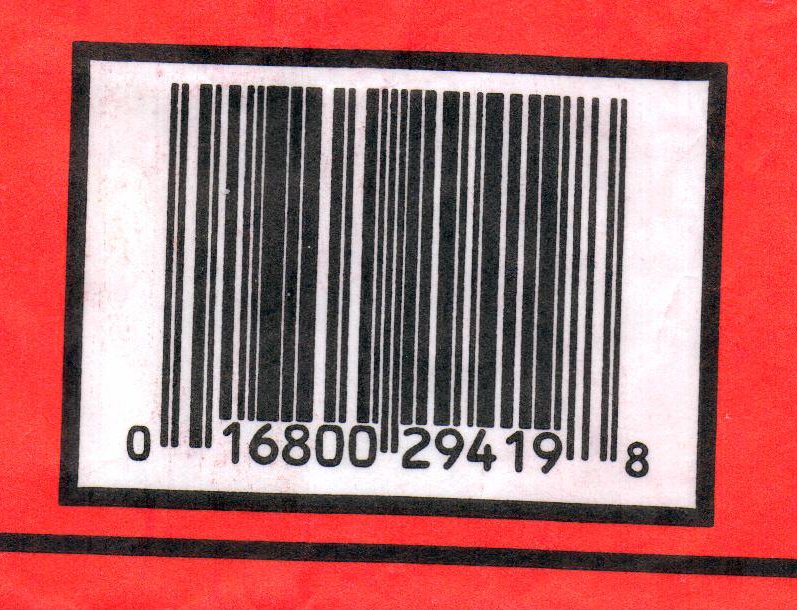
Let’s be clear: barcode fonts have their role to play. In a non-changing situation such as a label printing operation in a shipping department where the information never varies in length and symbology, barcodes generated with a font file are a simple solution. Fonts are a great way to create barcodes for use in a word processing document–although there are well known problems creating barcodes with some very popular word processing or spreadsheet software. But in an environment where the symbologies and sizes are always changing, font files cause more problems than they solve.

Many barcode fonts problems are little mysteries and irritations that just drive you crazy. In one case, the Code 39 font wouldn’t work right if there was also an Extended Code 39 font installed. In another instance, the barcode font software wouldn’t work right if a non-English language was selected. In yet another, the barcode font wouldn’t work right if English was selected. An often mentioned problem is that the WYSIWYG wasn’t actually producing from the printer you what you saw on screen. Also, the automatic formatting feature of Microsoft Word is known to conflict with some barcode fonts on certain symbologies, stripping out the start/stop patterns and basically killing the barcode.
 Another barcode font problem is sizing or scaling the barcode. The problem is—you can’t and if you try, this kills the barcode by corrupting critical bar and space locations and dimensions in a non-proportionate way. Without a doubt the very worst problem with barcode fonts is the very thing that makes them so easy. The software creates the barcode at a fixed size but is incapable of relating that size to the printer and its ability to resolve the dimensional commands from the software. If the printer is incapable of providing what the software is demanding, it does the only thing it can do—interpolate. The software claims to have produced a 100% UPC which has .013” bars but the 203DPI printer can only produce .005 or .010 bars. So what does it do? A smart printer will substitute either a 76% or a 103% UPC. A not-so-smart printer will change bar and space widths and move them around to new locations based on its native resolution. The end result might look like a bar code, but it won’t perform like one.
We have tested variable output from some of the high tech digital print heads on some very sophisticated presses and have been largely unimpressed with the results. Font files cannot be optimized to print head resolutions and do not permit bar width reduction. Average bar gain can trigger problems with Decodability and Modulation, downgrading an otherwise perfect symbol and there’s nothing that can be done about it in a font file.
The alternative to creating a barcode with a font is to use a graphics file (Encapsulated Post Script or .eps files), which affords the user much more control, and has built-in safeguards. For example, graphics file programs will signal when the user attempts to create a below-spec barcode; EPS files also allow the user to tailor the file resolution to the exact resolution or DPI of the printer, avoiding potential verification problems. EPS files also give the user the opportunity to compensate the file for anticipated Average Bar Gain my imposing Bar Width Reduction, often in increments as small as .001″.